|
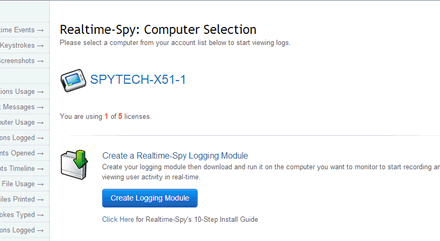
Clearing a Computer from your Realtime-Spy Webspace Step 1: Open your browser and point it to http://www.realtime-spy.com/members/ and login to your Realtime-Spy account. Once logged in, select the computer you want to remove from your account.
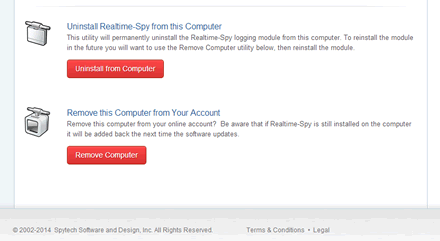
Step 2: Use the 'Uninstall from Computer' button to first uninstall the logging module from your monitored computer. Once the module is uninstalled, click on 'Remove Computer' to remove the computer.
Step 3: The computer will not reappear until the logs update next (if you still have the logging module installed), or until you reinstall the logging module.
|