|
|
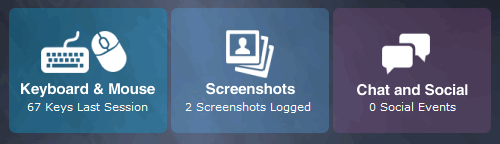
Keystroke Spy's logs and activities are only viewable via the Keystroke Spy interface. To view logs for Keystroke Spy simply click on 'Keystrokes Typed' on the Keystroke Spy interface to view the keystroke logs. The keystrokes log has its own associated viewer for easy viewing. You can also choose to save logs for later viewing from within the log viewer. Clicking the 'FORMAT' button will format the logs for easier viewing by removing and applying the system keys that were typed by the user. You can filter log listings by choosing to flag keystrokes that were typed in specific windows or applications by using the 'Actions...' menu. To view screenshots logged click on 'Screenshots' to open the screenshot viewer, which contains a built-in slideshow feature for automated playback. To view chat and social-related activities click on 'Chat and Social'. Keystroke Spy will automatically display keystroke and screenshots that contain chat and social network activities. |