
 for Windows 10, 8, 7, Vista, XP, NT, and 200x
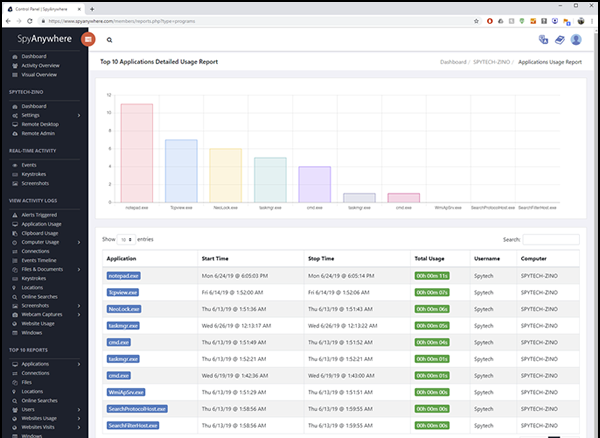
SpyAnywhere Stealth Edition contains all the same remote control and security features that the normal edition of SpyAnywhere contains - only the installation method is different - as outlined below.
- Optimal Stealth Installation
SpyAnywhere is installed in optimal stealth, with no extra configuration needed from the user. The installation is preconfigured for OPTIMAL STEALTH so that there is virtually no chance that a monitored user will be able to detect and remove the SpyAnywhere software. You can realistically have SpyAnywhere installed, and running as fast as your PC can download the software. The actual installation takes mere seconds to complete and start monitoring!
- No User Interaction Needed
No user interaction is needed during the SpyAnywhere Stealth Edition installation process. The installation only takes a few seconds to complete - the installation is completely invisible to the user.
- Remotely Installable
The Stealth Edition installer is able to be emailed to your remote PC's - where the remote user can download and run the installer without really knowing what is being installed. No trace or mention of "SpyAnywhere" is ever mentioned or shown during the install - the install is invisible to the user! If you have the IP address of the remote computer you can even connect remotely with no physical interaction.
- Starts Monitoring Instantly!
The Stealth Edition installer installs and executes the SpyAnywhere software in complete stealth. All you have to do is run the installer once, and SpyAnywhere will be monitoring your PC in total stealth!
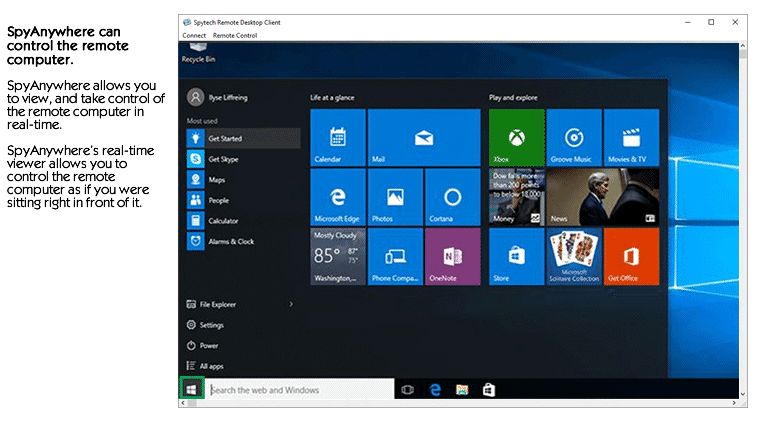
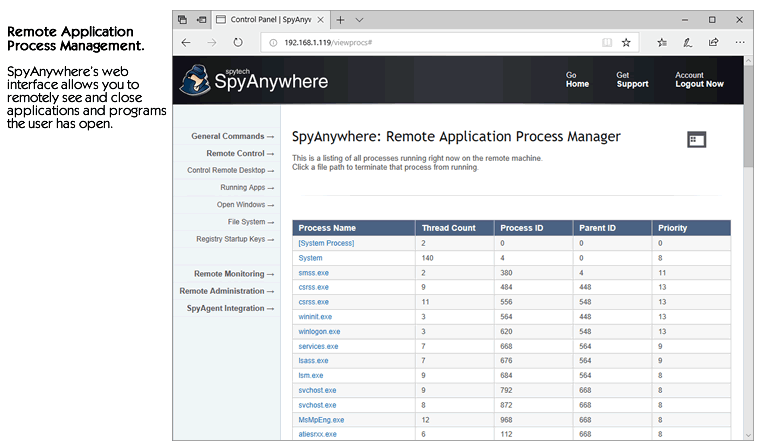
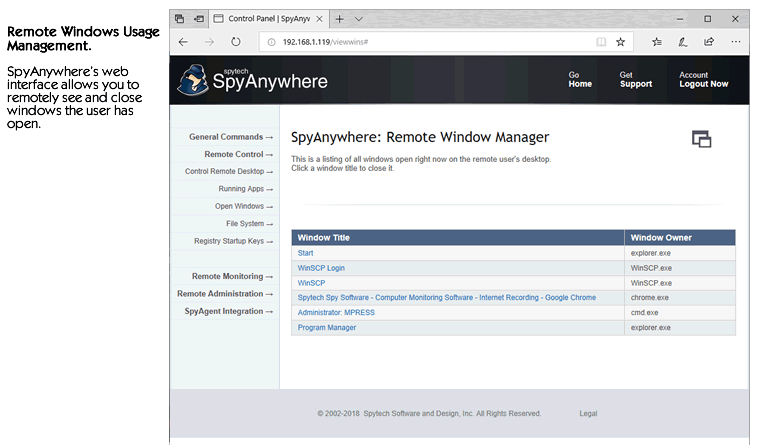
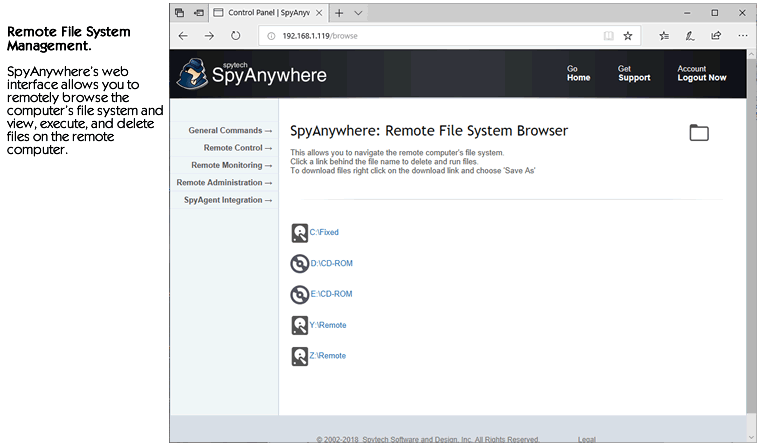
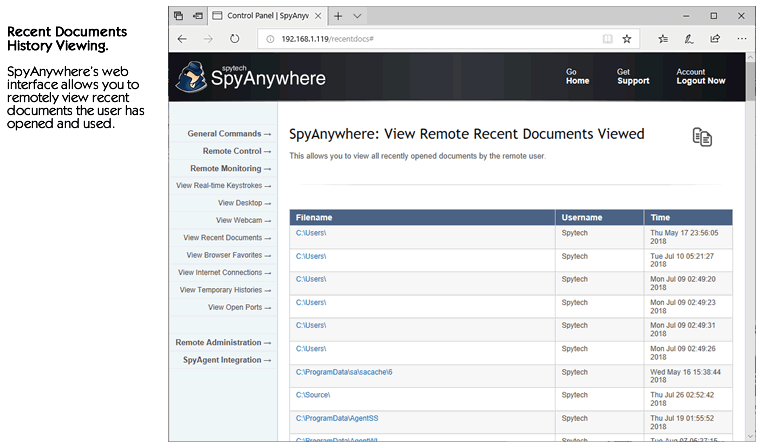
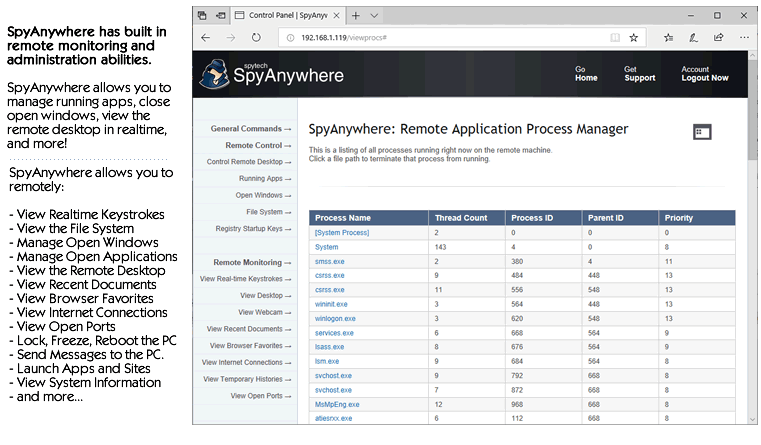
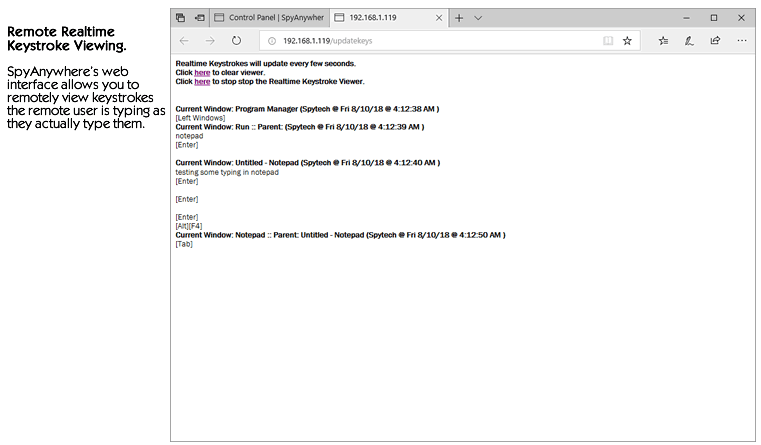
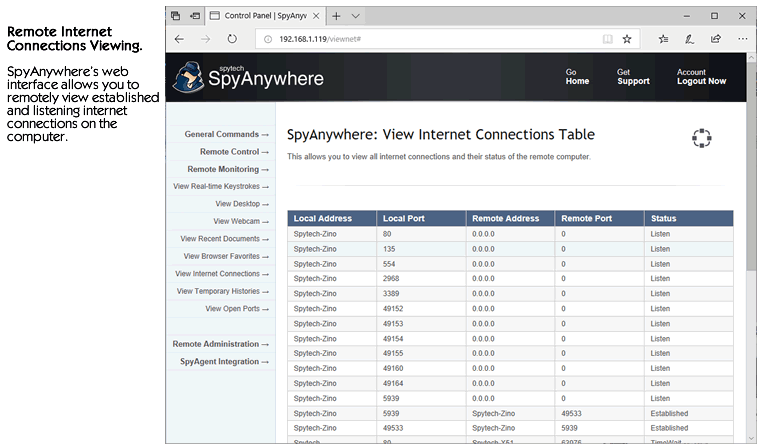
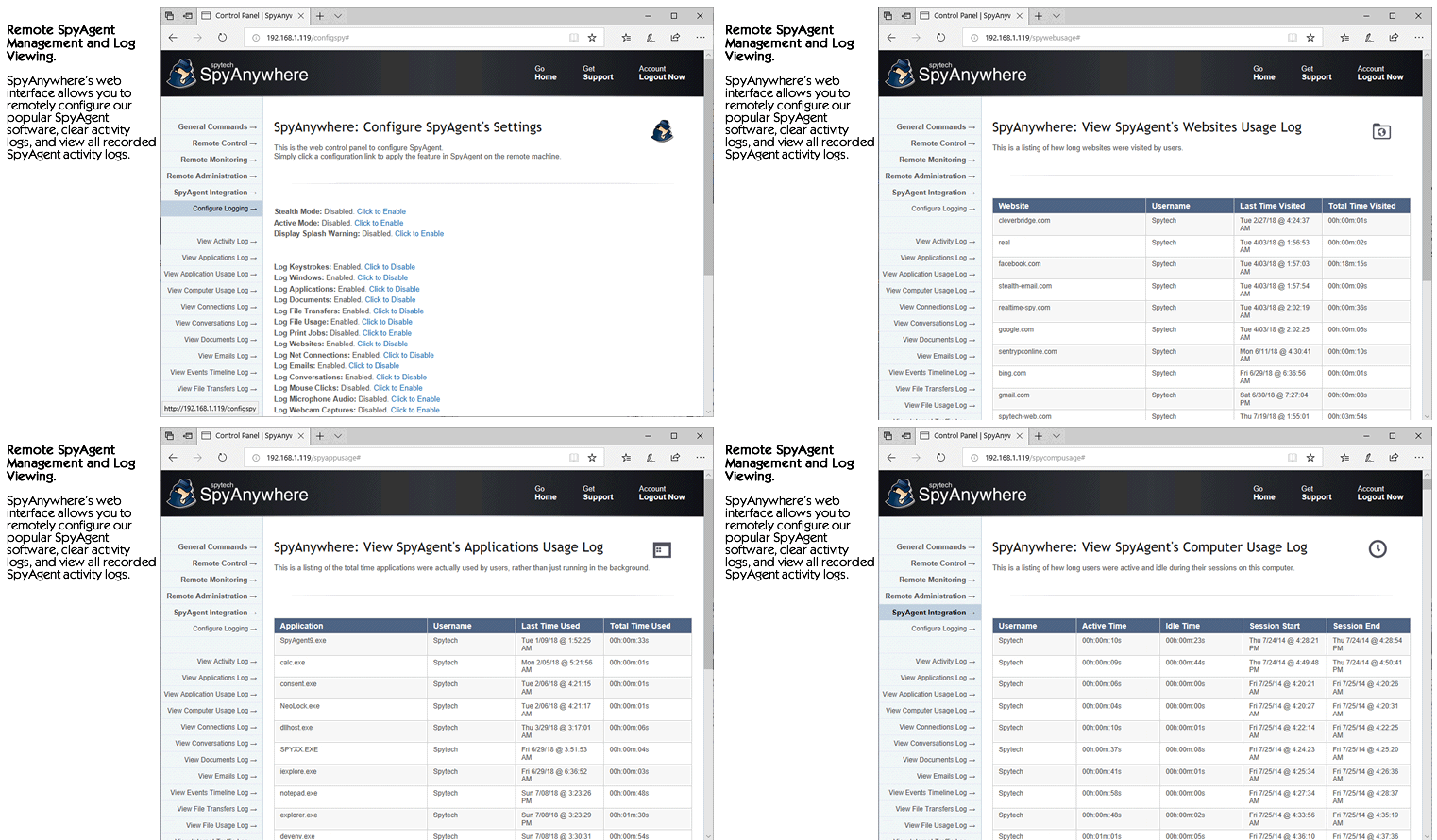
SpyAnywhere's powerful remote monitoring capabilities create an easy to use remote surveillance solution that allows you to view the remote user in real-time, as well as manage their file system, running processes, and more!
- Invisible in Windows Task Manager
SpyAnywhere Stealth will not appear in the Windows 32-bit task manager - the user will not know anything out of the ordinary is running!
- Invisible in Windows Control Panel Add/Remove Programs Uninstaller
SpyAnywhere Stealth will not appear in the Add/Remove Programs Control Panel. The user has no direct method of uninstalling the SpyAnywhere Stealth software.
- Does not appear in Start Menu, Desktop, or System Tray
SpyAnywhere Stealth will not be visible in the Start Menu, Desktop, or System Tray. The user will have no idea anything has been installed!
- Transparent Windows Startup for ALL Users
SpyAnywhere Stealth is configured to load on Windows startup (invisibly) for all users - it will even log non-administrator guest and limited accounts without additional configuration.
Purchase SpyAnywhere today and start monitoring your computer in minutes. Your download is available immediately after purchase so you can install and start using SpyAnywhere right away!
Easy and Quick Installation.
Download & Install Immediately.